1107
A downloadable game
I'm starting this blog to share a project that has been going on for several years. Somebody as showed it to at a dev-gathering in a pub asked me if I had a blog, which got me thinking, and here I am!
I've always like the immersive point and clicks like Myst, especially after they became panoramic. This let's me focus on story, atmosphere, and puzzles. I am more interested in sharing my discoveries with the game engine I am building than the game itself, which is still lacking much story. In the meantime I just keep upgrading the engine!
---- About Myself ------
I'm a one-man-band who basically likes to create with anything I can put my hands on, whether it's writing, composing, programming, or designing circuits (I'm an engineer). I actually started working on my own project almost 20 years ago but I kept getting too ambitious and kept starting over. I ended up using the Pipmak engine, a dedicated but abandoned open-source PnC from ages ago. I rebooted my efforts a few years ago and discovered that Pipmak still ran really well even on an ultra-wide monitor, so I started just world-building like mad.
However, I finally realized I was putting so much effort into a project that I couldn't even really share; Pipmak is *strictly* image-based and has no exportability. It can't even play videos. The documentation is stellar though, amazing for open-source. It never crashed but it would register errors and with no tech support or even a community it was a dead-end.
So after a a long period of stalling I finally got the nerve to search for a modern engine. I settled on Godot, locked in on version 3.6. Pipmak is literally based on hard-drive folders to define game location, no IDE, but the architecture made too much sense and I wanted to continue developing the same way and use my existing assets.
Thus, I found myself basically emulating Pipmak's architecture in Godot, which are VERY different beasts. It took me 6 months to get a basic setup running and for the last several years I have been refining and expanding (and refactoring) as I learned Godot and discovered how klunky my early structures were. The game is still basically image-driven, virtually no 3D objects, but I was glad to leverage the modern capabilities of Godot to do things that are just too hard with animations, like animating a large body of water.
Since I jumped in here already deeply invested, I'm going to share some of challenges and decisions I've made up to now. After that I will post smaller amounts as they are worth sharing.
------ The Tools --------
Most of my tools are open source: Godot of course, Blender for CAD and renderings, Krita for 2D paint work, Audacity for basic sound design, FFmpeg for encoding videos. The only pro software I use is Ableton Live for music (and a nice plugin that makes it easy to score a video). Text editing is mostly in the Godot IDE, although I use a free version of Sublime for some off-line codework when Godot's workspace is too cramped. VSCode is also pretty nice.
----- Yes, AI, and No, AI -----
Lately ChatGPT has been been both super-frustrating and super-handy helping me with architectural suggestions or helping me debug. Frankly, it's easier to ask it a technical question about Godot than to look up the references myself. My water shader was basically written and tried in one go to get try the idea, which was really pleasing. But I refuse to use it for any artistic content unless its a proxy. I've had several long brain-storming sessions trying to work out a story and I walked off with some seeds that are germinating but I'm still learning how to leverage the tool, which can waste a huge amount of time. I think of is an idiot-savant pothead.
------ Basic Architecture ------
The only 3D object is a sphere that I cast panoramic images onto, which I export from Blender. Each location in the game is described by the contents of a folder; in Pipmak it was a real Windows folder, in Godot the 'folder' is a resource bin that is part of the IDE. Every node (location) has it's own ID and each folder holds the script that describes the location's images and how it interacts with the player.
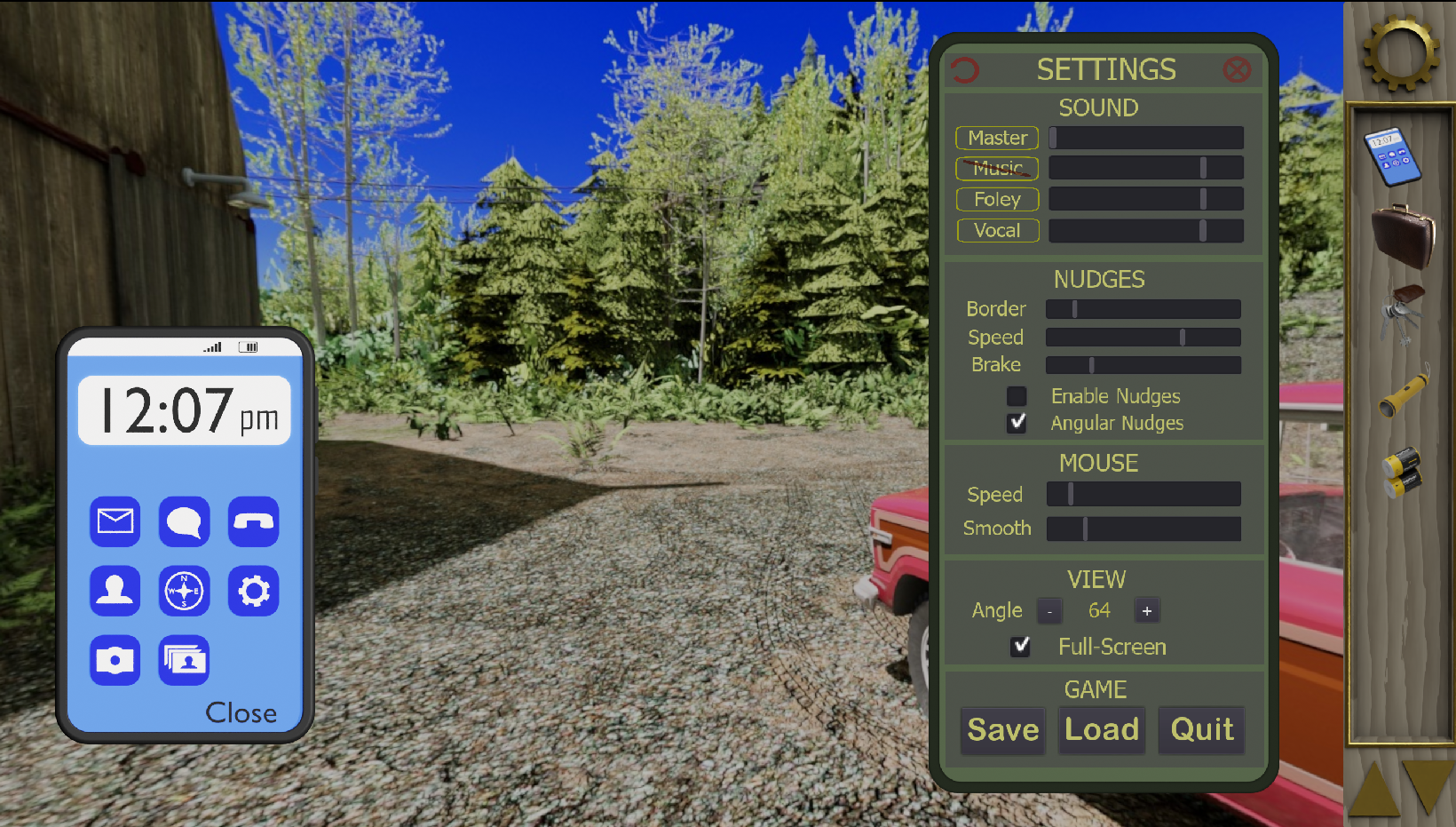
User interaction is mostly mouse-based, I have tried to avoid the need for a keyboard but that's pretty limiting. The mouse is used to pan the view around and the cursor changes to an icon that implies what can be done. This magic is performed by 'hotspots'. The only flexible way to create arbitrary hotspots on a panoramic background is to use a data map, which is a small image with colored spots that is used as a data layer to track what pixel is under the mouse, and what hotspot it might. Yes, I bring the background into Krita, scale it WAY down, like 360x180, and paint different colors over areas of interest on a second layer that I export . Colors don't matter because the hotspots are indexed by the order in which they are spread on the page. In Godot, scanning occurs in real-time and the moment a hotspot is detected under the mouse the appropriate routine is called in the script for that location and hotspot with appropriate actions like 'WhenMouseEnters' or 'WhenClicked' or 'WhileClicked' (for dragging). The same template is used for all locations so as a system it's pretty consistent.
There are panoramic nodes, and 2D nodes (for closeups usually but also UI elements) 2D nodes can be layered endlessly (and recursively) on top of other nodes as overlays as well. The overlayed nodes have see-through sections of course and every layer can be fully interactive. The other main graphic are patches, which are interactive-less images pasted on to the background. They are good for spot animations, or even an entire screen overlay for situations like reading a book with lots of pages but you don't want the heavy inter-activeness of a full 2D layer.
Animations: Because static images can be pretty dull, I have been investing a lot of time into bringing the scene to life as much as possible. I do have the occasional full-motion-video and someday may be able to have real videos playing on surfaces in the game but for now they are just full-screen, like the intro and some transitions. For small animations I still use page-flipping of patches. I spend a long time working out a pipeline between Blender scripts and Godot so I can basically re-render a whole batch of background locations and they will end up in Godot, ready to play! Same with animations. All patches are now brought in as tile-sheets, whose filename contains the position and dimensions of the patch. Just in the last few days I have implemented something I've wanted for a long time, 'moving' patches. Every frame in a tilesheet has a different size and location in a data file generated by Blender so now I can have a animations that fly all over the place and since they are rendered in the original CAD, they are seamless and blend into the environment perfectly.
Other visuals I have invested time in a variety of camera FX that move the camera like shaking for explosions or automated panning to a direction. Since this is a game ENGINE, all of these features are very programmable to use and expand. For instance, one camera effect is 'Slide', that moves the camera. But I can specify what kind of movement profile I want, the speed, etc, set up a trigger at the end. 'Shake' has a dozen parameters that can be used to form 'dizzy', 'crash', or 'explosion', as examples, and 'Oscillate' is currently used for bouncy effects or very slight camera drift.
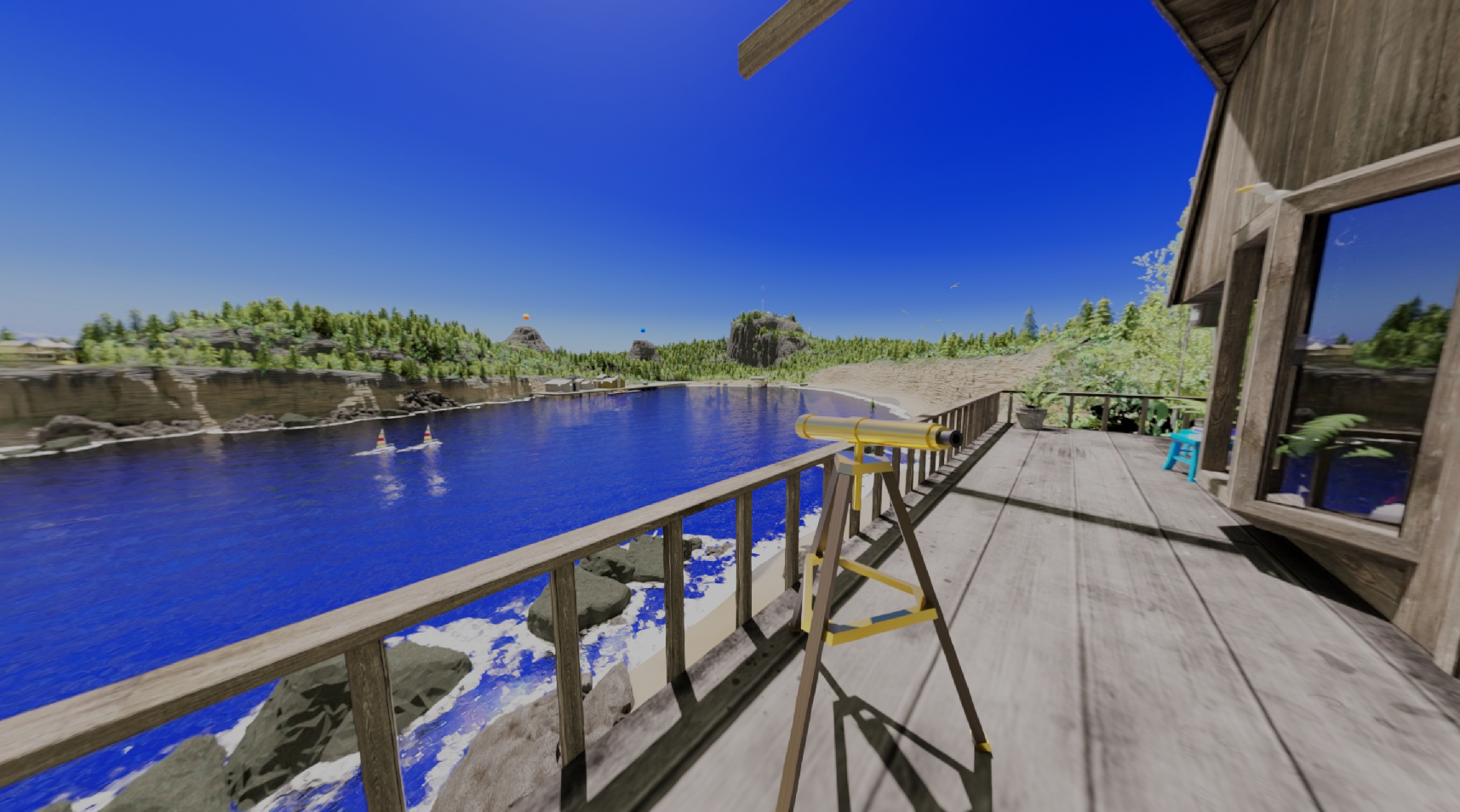
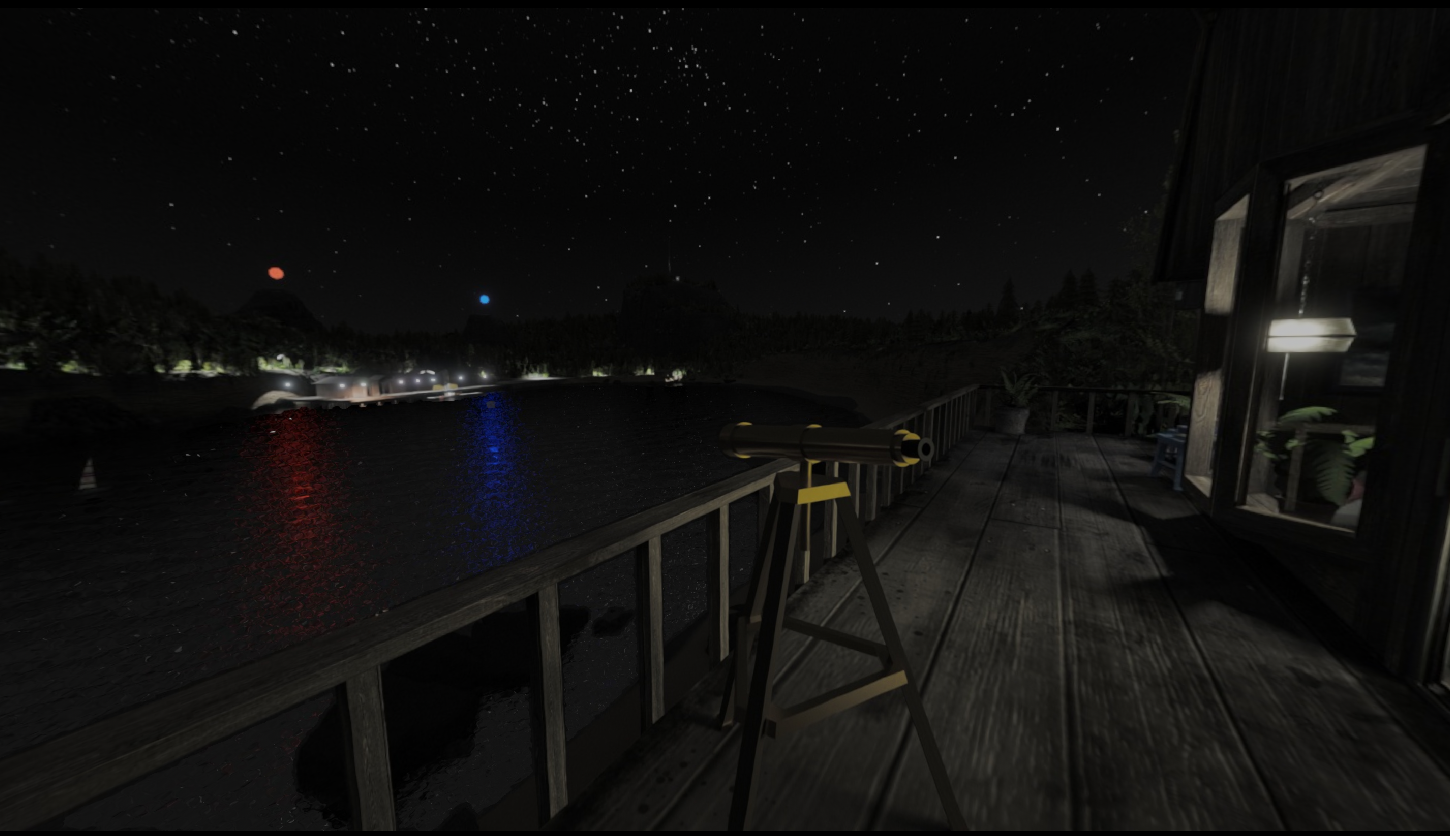
I recently have been learning to use GPU shaders and was able to bring the bay of water to life! All panoramic locations are rendered on the GPU shader instead of the object 'scene-tree' that is the working basis for Godot projects. Shader FX are cool!
--- The Game ---
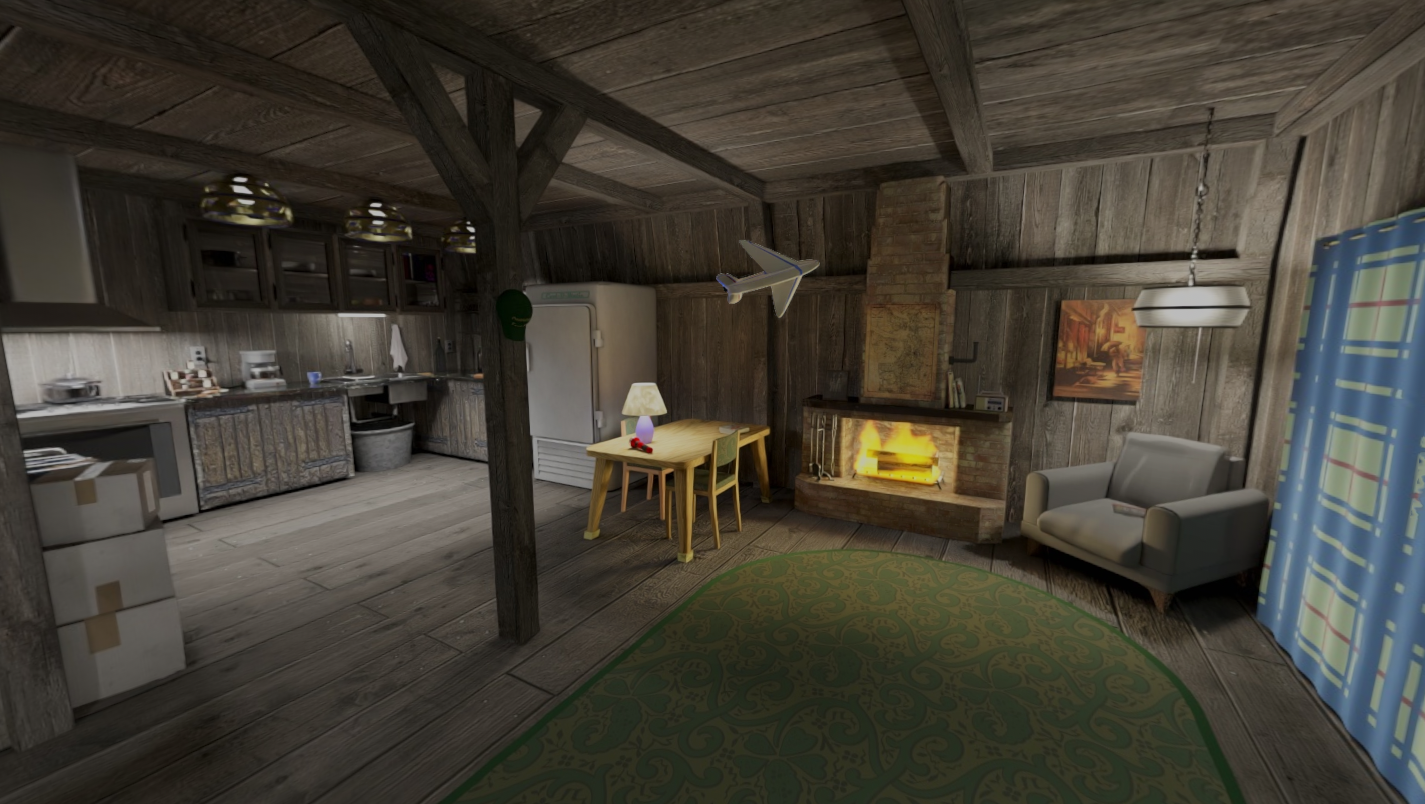
It's a mystery set in a rural location by the water of a small bay. An old barn has been converted into an apartment/shop. I've sandboxed the entire island area in multiple Blender files but have spent most of my time working on the engine and spicing up the barn location to test out the effects because this location is meant to be sort of a home base.
Right now the barn area is very granular; about 35 panoramic locations and dozens of closeups. That's a lot more dense than would be advised but it's mostly to support the engine development. So far the exportable is about 1GB.
Ok, signing off for now, hope you found/find this interesting and I look forward to questions! Anybody who says 'yeah, you can throw together a point and click real easy' hasn't really tried or thought about all the requirements and refinements; it's a lot more than just a 'walking tour'. 12/1/2026
Development log
- Micro Animations61 days ago
Leave a comment
Log in with itch.io to leave a comment.